For machine builders and their service teams
A stopped machine should not need a phone call.
The alarm code, the manual and everything this machine has been through before — in the technician's hand, at the machine, whether or not there is signal.
Pressure not reached within cycle time
- Supply pressure below set point
- Seal worn at the test port
- Fill valve slow to open
Illustration of a lookup. Not a real machine.
Sound familiar?
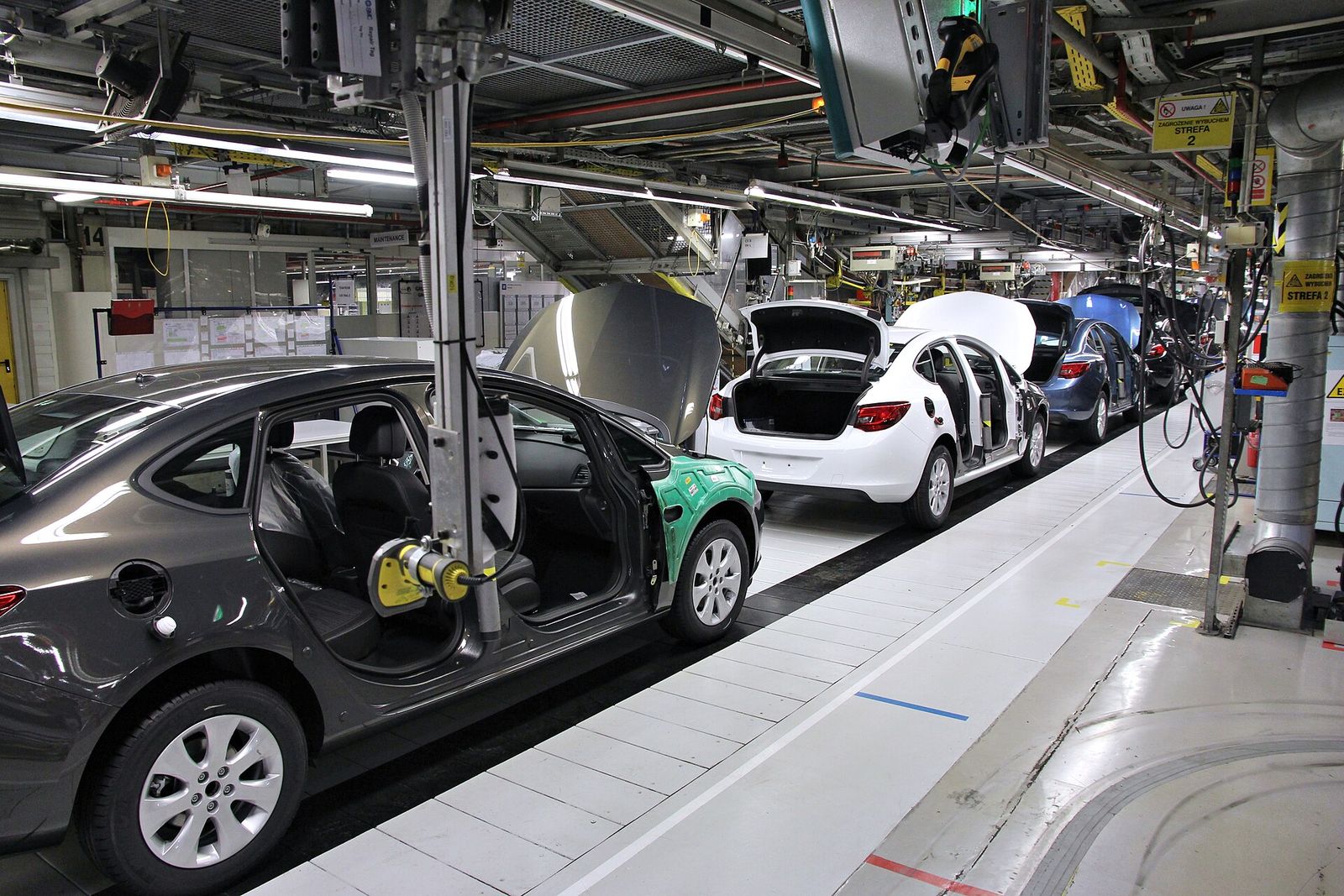
The manual is never where the machine is
It is in an office, in a cupboard, or in a PDF of four hundred pages nobody can search from a plant floor. So the technician calls somebody.
The fix is remembered by one person
Whoever attended last time knows what it was. That is written down nowhere, and it leaves the company when they do.
The same fault gets solved twice
An engineer arrives on site without knowing what was done here in March, and works it out again from the beginning.
Your phone rings either way
A line is down at a customer site and the machine has your name on it. Every hour of that is yours, wherever the machine happens to be.
A registry knows the machine exists.
It does not know what is wrong with it.
Tagging every machine is where this starts, not what it is for. Machory is the rest of it — the machine's own memory.
What a technician actually does with it
Six things, all of them at the machine, most of them one-handed.
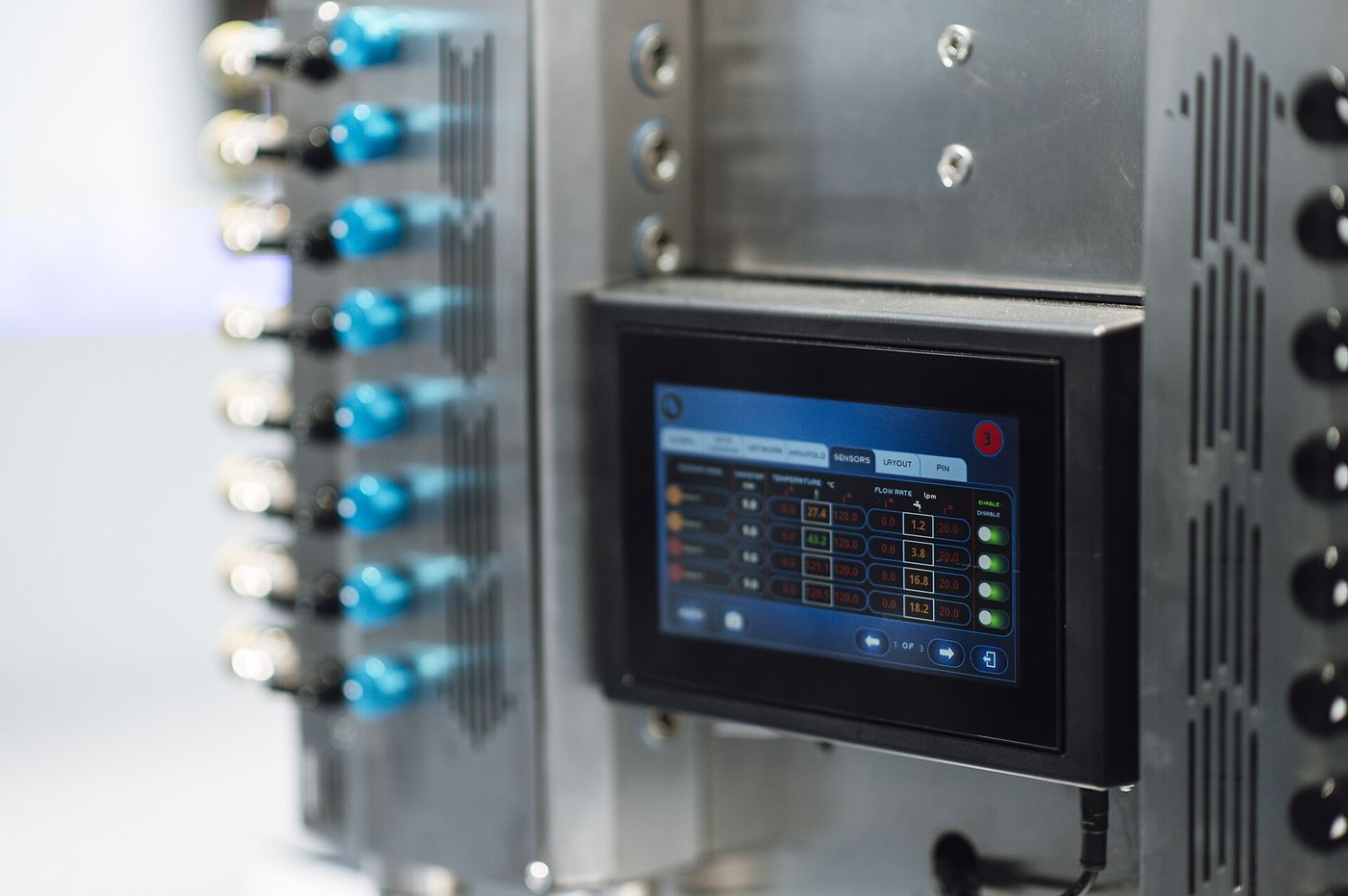
The machine says E-412 and stops. Everything that turns those four characters into a fix — what the code means, what usually causes it, what was done about it on this unit last time — is somewhere else: in a manual, in a folder, or in the head of whoever came out in March. The six things below are that gap closed, at the machine.
Scan the machine
A tag on the panel. One scan gives the machine, its model, the site it lives at, what is open on it and everything it has been through.
Look up the code on the panel
What it means, what usually causes it, and what fixed it on this machine before. Instant, and never metered.
Or photograph the screen
Gloves on, code half legible, screen behind a guard. Take a picture of the panel and the lookup happens from that.
Ask, when the code is not enough
Describe the symptom and work through it with an assistant that knows this machine's documents and its service record. It assists; the engineer decides.
Record what fixed it
Report the fault, close it with what was done and which part went in. The history builds itself out of work that was happening anyway.
With no signal at all
Plant floors are basements with machines in them. The app holds the fleet and the codes on the phone and sends the paperwork up later.
And for the people who run the service desk
The same record, from the other end — where the fleet stands and what it has been costing you.
| Machine | Customer | Status | Open |
|---|---|---|---|
| 0042 | Customer A | Fault | 1 |
| 0043 | Customer A | Running | 0 |
| 0107 | Customer B | Running | 0 |
| 0108 | Customer C | Commissioning | 0 |
Illustration. Not a real fleet.
Where the fleet stands
Every machine you have shipped, who has it, which are open, and which models still have documents waiting to be read in.
A record that outlives the people
Faults, resolutions and parts, per machine, for as long as it is in service. Nobody is ever deleted out of the history.
Sign-in with no passwords
A mobile number and a passcode over WhatsApp. There is no password field in the product, so there is nothing to reset or to phish.
Your organisation only
Each organisation sees its own machines, documents and history, and has no way to address anybody else's.
From a tag to a fixed machine
Send us the documents
Manuals, schematics and alarm lists for each model you build. Once, per model.
We make them answerable
They stop being a PDF and become something a technician can ask a question of, on a phone, in a plant.
Tag the machines
A sheet of stickers, applied at dispatch. Each one is that unit and only that unit.
Your people sign in
A number and a passcode. No accounts to create, no passwords to hand out, no training day.
The history starts building
Every fault reported and every fix recorded makes the next lookup on that machine a better one.
A morning with it
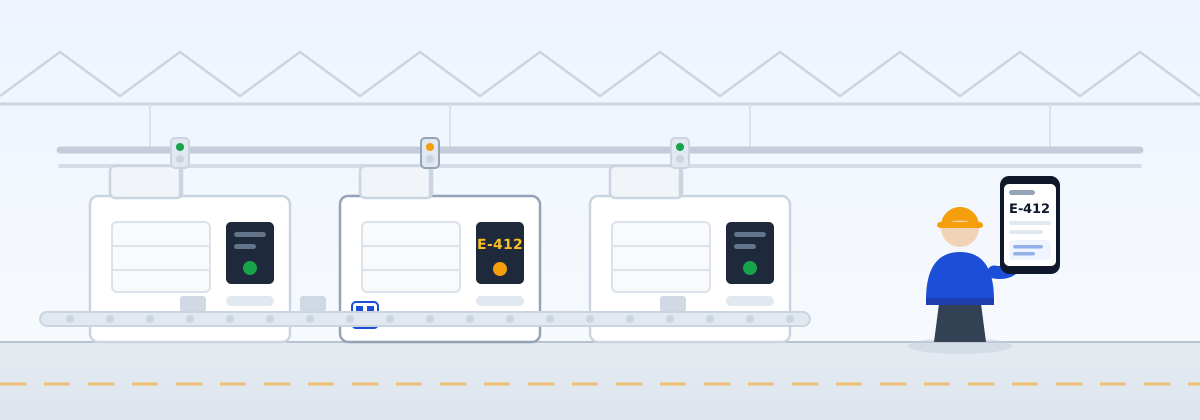
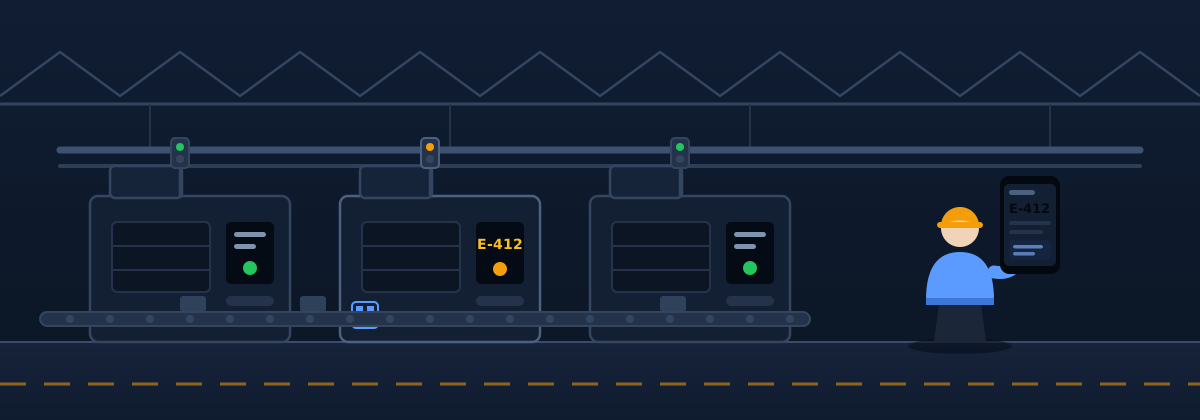
A line stops at a customer plant. The panel shows a code. The operator scans the tag on the machine and reports the fault from the floor.
The service engineer opens the same machine on their phone. The code has a meaning, three likely causes, and a note that it was closed on this unit three weeks ago by replacing a seal.
Running again. The fix is recorded against the machine in the time it takes to walk back to the van — and it is there for whoever comes next.
Questions people ask
What is deliberately not on this page
How documents are read and turned into something a technician can search, how the assistant is grounded, what the platform is built on, what it costs, and where it goes next — none of that is here. It is covered directly with organisations evaluating the product, under a mutual non-disclosure agreement.
Access
There is no sign-up. Accounts are opened for named organisations and the first user is set up with them — so if you are reading this without an account, the next step is a conversation rather than a form.
Running with a small number of manufacturers, by invitation.